
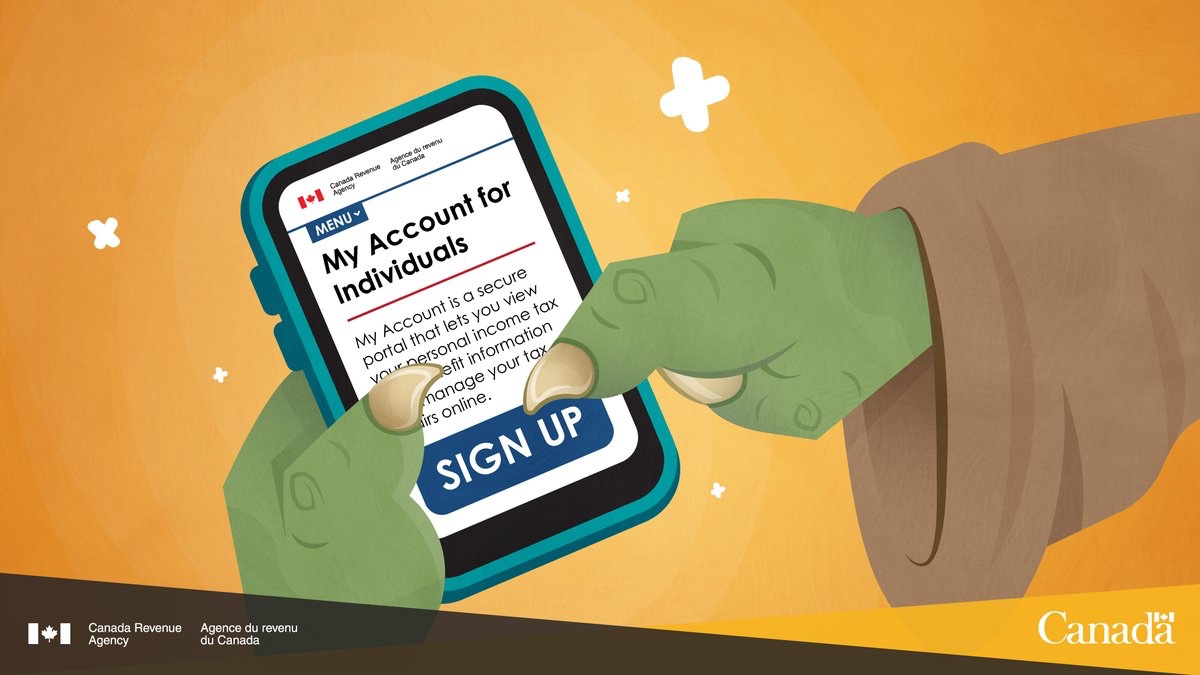
As a Tax Preparation Firm, the most common question asked by most of our clients is that “how can I create MyCRA Account.”.
To answer this question, here is our new post with all the steps on how to create MyCRA Account and from where to extract the information needed to complete these steps.
So, let’s dive in, the first and the most important part in order to create MyCRA Account is that at least 1 of your Tax return should be filed before the system allows you to create an account.
Secondly, if you are done with the first step, you would need some information from your tax return in order to start the process.
That information would be on your T1 General/Summary. Your accountant should have provided you this information, if he/she hasn’t you may call them and ask them to send you copy of it. This is how it looks like.

Now that we know where to find the information, our next step is to follow a secured link to create this account, and here is the the link to the CRA’s website to create an account.
Once you are on this webpage you will see 2 options:

With sign in partner registration, you can use one of your online banking information to create the account, which is a faster way, and CRA register, it’s a little longer process than later.
Once you choose which method to go with, then you would have to keep answering the questions asked by the system, until you get to your accounts home page, which will ask you about security code, this code will be sent to you by CRA to your mailing address.
Here is a video boy CRA for more information. Source CRA(YouTube)
I hope this makes it easier for you to create the account, let us know if you would like us to write on any specific tax related topic.